AI backgrounds & studio look
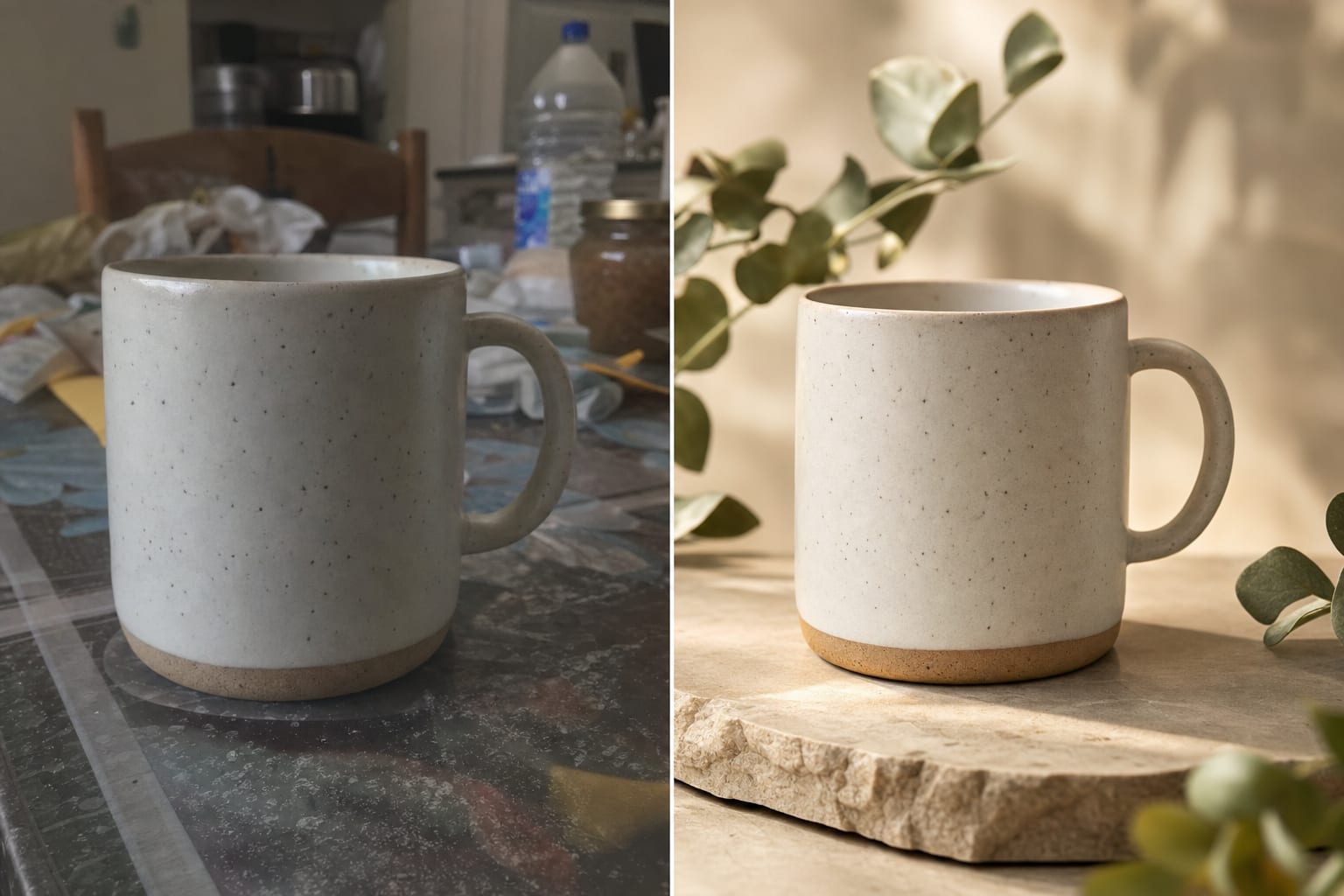
A gallery of ready scenes — podiums, interiors, nature, holidays. Or the “studio look”: clean backdrop, soft light and natural shadows.
AI backgrounds and a studio look, background and object removal, retouching, frame extension and quality upscaling. Upload up to 10 photos at once — no Photoshop or designer needed.
*Instantly with Yandex or VK ID sign-in, after an account check with email. No card required. 1 lyx = $0.01 — pay only for what you create.
Seven editing tools in one window: from background replacement to quality upscaling.
A gallery of ready scenes — podiums, interiors, nature, holidays. Or the “studio look”: clean backdrop, soft light and natural shadows.
The AI cuts the subject out cleanly and returns a transparent PNG — for listings, websites and slide decks.
Paint over anything distracting — people, wires, price tags — and the AI erases it, filling in the background.
The AI paints beyond the original frame — a square shot becomes a wide banner or a vertical story.
Fix small defects, boost sharpness and detail, rescue old and blurry shots.
Upload a stack of shots and apply one tool to all of them at once — handy for catalogs.
One or up to 10 at once — from your phone, warehouse or archive.
AI background, remove background, remove objects, retouch, extend frame or upscale.
Finished files are saved to your history — download them or send them to listings and socials.
Sign in with Yandex or VK ID and get 100 lyx instantly — enough for your first edits.